Feature Guide · Transactions
Follow one guest's money
all the way through.
Start at one session, open its payment, separate the amount from its adjustments and tip, then follow the processor status - without confusing a transaction with a promised bank-arrival date.
What it is
A row-level payment record linked back to the valet visit that produced it.
The transaction screen is where a summarized financial number becomes explainable. It retains method, amount, modifier breakdown, receipt context, stand, location, and the session behind the payment.
Payout timing is external: the payment processor and connected account decide when funds become available and reach the bank.
Who uses it
This is the controller's audit trail and the operator's answer to a guest question.
Controller
Reconcile the amount and its parts
Transaction detail shows the payment, modifiers, location, stand, method, status, and linked session context.
Operator
Read the visit context behind the charge
The drawer loads available session context beside the payment so staff can reconcile the row without claiming a deep link that the current screen does not provide.
The setup order
The merchant account determines where funds settle; the session determines what the payment means.
1 · Routing
Confirm your payment setup
Confirm how your company receives payments before taking the first guest payment.
2 · Breakdown
Review the amount and adjustments
Tip, platform amount, validation, discount, tax, fee, surcharge, credit, and loyalty totals remain separately labelable.
3 · Receipt
Find the receipt
Use the available receipt and payment status when answering a guest question.
The daily loop
Follow the row outward in both directions.
Open the visit context
Read the session data beside the row
Ticket, car, timing, stand, and guest channel explain why this charge exists.
Inside the payment
Read gross, adjustments, tip, and status
The drawer orders positive and negative modifiers and keeps tip distinct rather than reducing the charge to one unexplained net.
Forward to reporting
Financial views aggregate the same transactions
Dashboard totals summarize activity; transaction detail remains the row-level explanation when a number needs investigation.
The edge cases
A changed payment is a state transition, not an erased row.
Refund
The original payment remains traceable
Refunds are managed and verified in Stripe; the current Valletto drawer must not be treated as a synchronized refund ledger.
Void or cash
Method-specific actions stay honest
Receipt email is omitted when there is no Stripe receipt, and terminal session states remain distinguishable from settled card payments.
Payout pending
Processor status is not guessed
Availability and arrival depend on the payment processor and connected account, including holds and account-specific schedules.
What it deliberately does not do
Valletto shows the trail; it does not promise the bank's clock.
No payout schedule promise
Timing belongs to the processor and account
This guide deliberately quotes no fixed number of days.
No P&L claim
Transaction detail is not net profit
A guest charge can explain revenue and pass-through amounts, but rent, insurance, equipment, and other costs live outside the transaction.
What it connects to
The row joins operations, payments, and finance.
Session record
Why the charge exists
The linked visit supplies the vehicle, stand, timing, and operational history.
Financial dashboard
How rows become a company view
Aggregated revenue and payment activity answer the overview question while the row remains available underneath.
Disputes
Which facts can be assembled later
Processor identifiers, receipt, session timeline, messages, and vehicle context form the starting record if the payment is disputed.
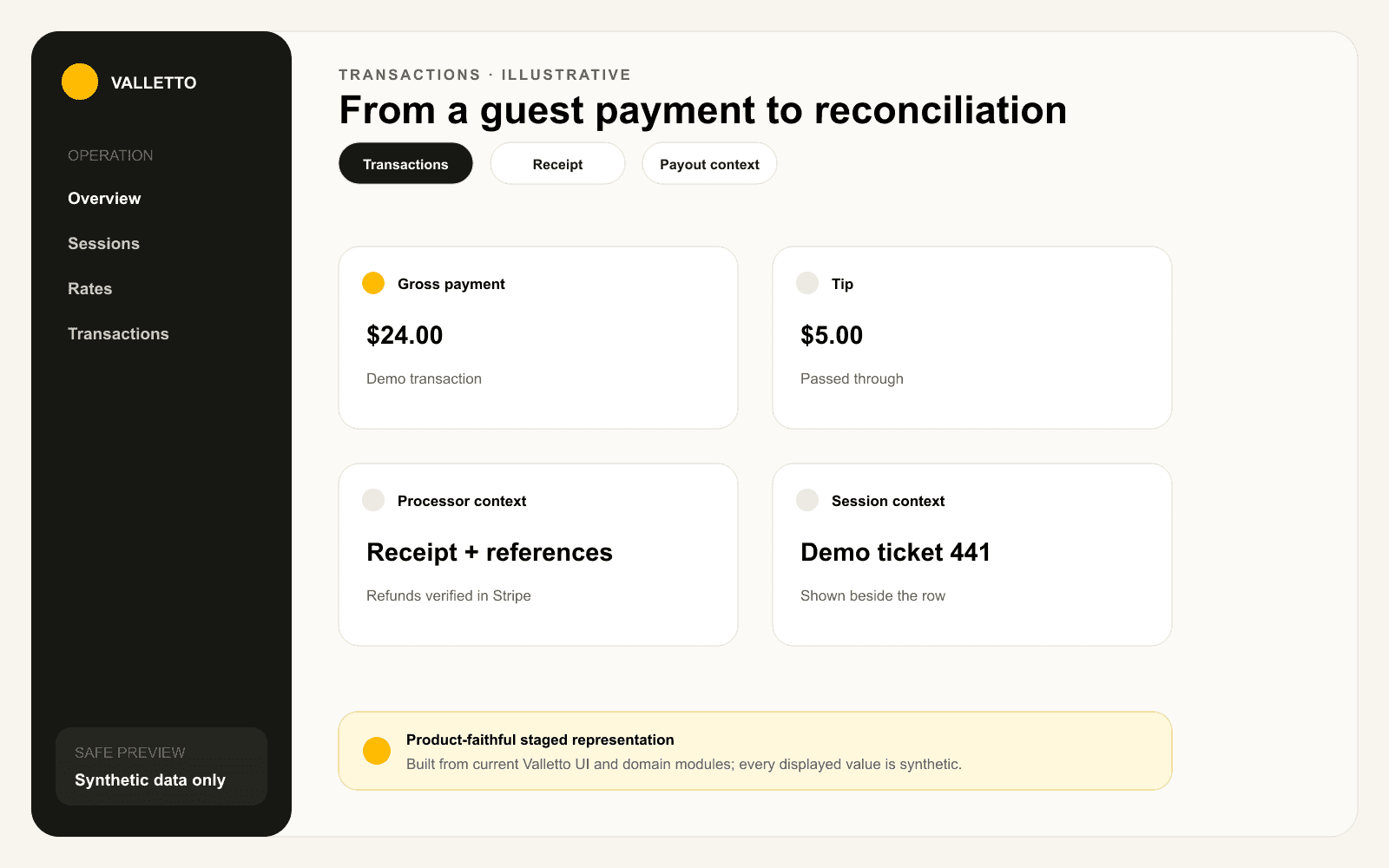
→Staged from current Transactions and Transaction Detail components. Amounts and identifiers are synthetic.
Where Valletto changes the math
A summary tells you what happened. The linked row tells you why.
Transactions stay useful because money, modifiers, processor identifiers, receipt context, and the operating visit remain connected.
Next: see what that record becomes when a charge is disputed.
