Feature Guide · Payments
The payment surface is already
in the valet's hand.
A session can accept card, wallet, or link payment without making the stand re-enter the visit - while still respecting merchant, device, operating-system, and market constraints.
What it is
An in-person and guest-phone payment flow anchored to the same session.
The price is evaluated from the stand's rate card, the guest reviews the breakdown and tip, and payment is created on the merchant account the surface is actually connected to.
Tap to Pay can remove a dedicated reader in supported configurations. It does not erase Stripe's compatibility boundaries, which can change over time.
Who uses it
The guest approves the money; the valet supplies the appropriate surface.
Guest
Reviews price, adjustments, tip, and total
The guest can pay from the visit link or use the in-person surface presented by the valet.
Valet
Takes an in-person card without re-keying the ticket
The payment flow starts from the session, so stand, pricing, connected account, and receipt context remain attached.
The setup order
Payment depends on a configured merchant account and compatible acceptance path.
1 · Merchant
Connect the account that will receive the payment
The account used to create the payment and the account used by the payment surface must agree; an unresolved recipient refuses rather than falling back.
2 · Price
Evaluate the session rate and modifiers
Parking, validations, fees, taxes, and tip are reviewed as a breakdown before confirmation.
3 · Method
Offer the methods available on this device and market
Card entry, supported wallets, guest link, and Tap to Pay appear only where their platform requirements are met.
The daily loop
One guest action authorizes one payment attempt.
Review
Show the amount before collecting
The session's current price and adjustments are visible before the guest confirms.
Approve
The guest taps, presents, or submits
Wallet and card confirmation remain inside the guest's action; the server does not move confirmation off-session behind the scenes.
Record
Settlement updates the visit
The resulting transaction, receipt context, and payment status remain linked to the session.
The edge cases
Failure stays visible and does not silently change merchants or methods.
Unsupported device
Use another payment path
Tap to Pay requires a compatible iPhone or Android device and supported Stripe availability; a separate reader may still be used where required.
Connection or decline
The session remains unpaid
A failed or abandoned confirmation does not become a settled transaction. The operator can retry with an available method.
Advance payment
The guest link can settle before pickup
Where the stand allows it, the guest can pay and tip from their phone without waiting for an in-person terminal.
What it deliberately does not do
Phone-based acceptance removes some hardware, not every constraint.
Not universal
Tap to Pay support varies
As checked August 23, 2026, Stripe documents compatible iPhone and Android paths; device, OS, account, and country availability still apply.
No surprise charge
Confirmation stays with the guest
Valletto does not treat opening a payment surface or creating a payment object as permission to collect money.
What it connects to
The payment becomes part of the operating and financial record.
Session
Payment can unlock pickup behavior
Configured stands may request the car after eligible payment completion; the request still comes from an explicit payment action.
Transaction
The charge is traceable
Amount, method, modifiers, session, and receipt context appear in transaction detail.
Official availability
Stripe maintains the compatibility source
Current requirements: https://docs.stripe.com/terminal/payments/setup-reader/tap-to-pay
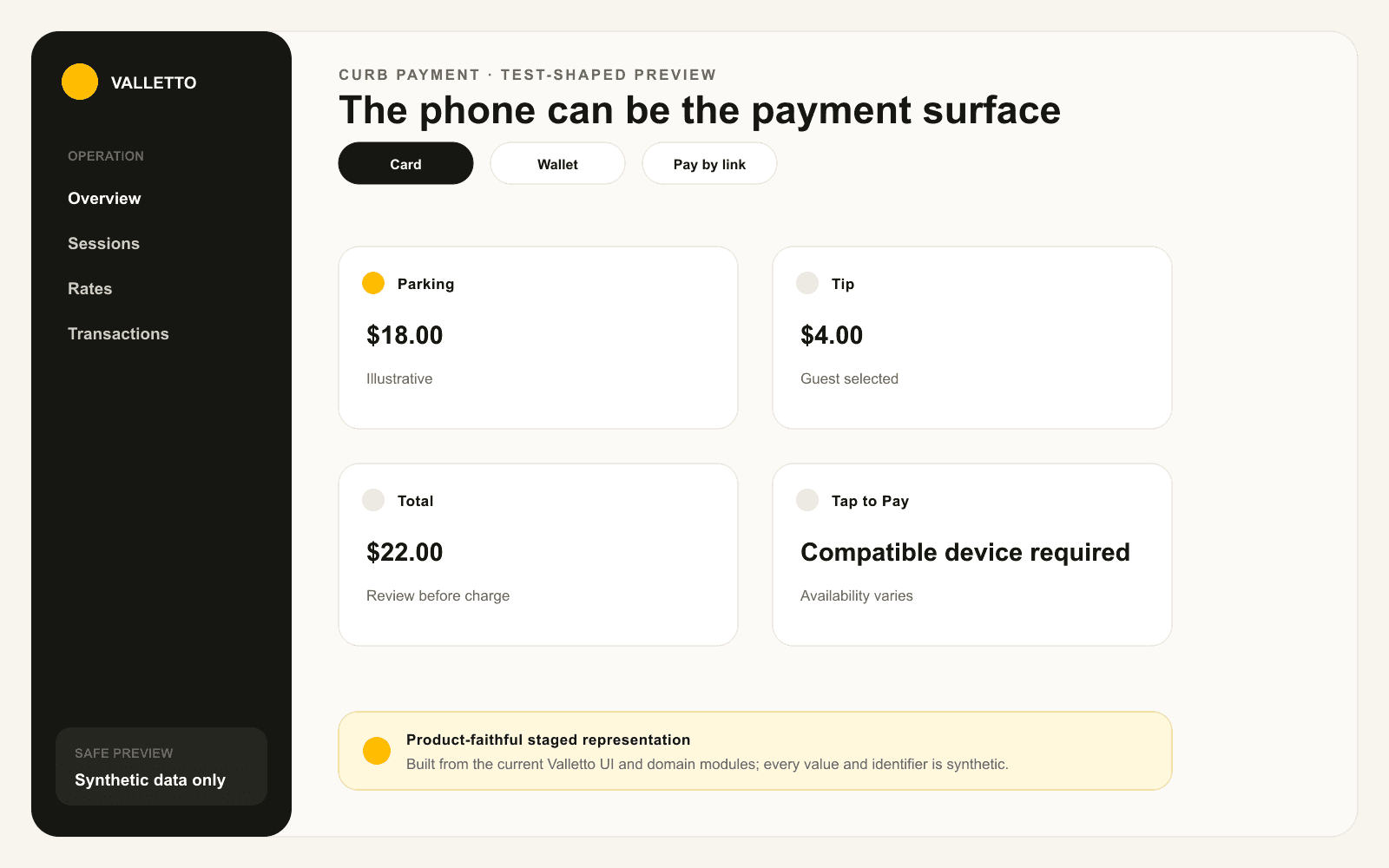
→Product-faithful staged payment summary. All amounts are illustrative; no real card, wallet, merchant, guest, or transaction data appears.
Where Valletto changes the math
Less hardware, with the same deliberate approval.
The phone can become the reader, while the guest still sees and confirms the charge.
Next: trace that payment through transactions and payout context.
