Feature Guide · Operations
The operation's shared
present tense.
Every open ticket, its status, and who has it - this is the board the team shares when radios and a whiteboard are no longer enough.
What it is
One live session record, presented differently to the floor and the manager.
The session board is a status-and-assignment view over the operation's open tickets. The manager sees the stand; the valet sees the work immediately in front of them.
Dispatch changes who owns the next action. It does not create a parallel ticket, and it does not guess where a vehicle is.
Who uses it
The board gives every role the same state without giving every role the same controls.
Valet
The next physical action
The phone emphasizes the session in hand and its obvious next action: park, pull, mark ready, or check out.
Manager
The whole stand at once
The web board groups open sessions by state, exposes aging and assignment, and opens the complete session record when intervention is needed.
The setup order
The board inherits the operation's structure; there is no separate dispatch database to configure.
1 · Place
Location and stand establish scope
A session belongs to the company and carries the location and stand where it entered the operation.
2 · Team
Assignments come from eligible people
Dispatch surfaces valets available to the operation; server-side session updates remain the authority for who holds the work.
3 · Thresholds
Status timers make aging visible
Locations can configure warning thresholds for received, parking, requested, retrieving, and ready states.
The daily loop
A session moves because a person or a payment workflow acted - never because a dot crossed an imaginary map boundary.
Drop-off
Received → Parking → Parked
Check-in creates the record. The assigned valet moves the car through the physical drop-off states.
Pickup
Requested → Retrieving → Ready
A guest link, resident request, eligible completed payment, or valet action can request the car; dispatch assigns the retrieval.
Handoff
Ready → Checked out
The record closes when the vehicle is handed back, preserving the status and assignment history that led there.
The edge cases
Concurrent work is resolved against the shared session, not by trusting an old card on one device.
Two people tap
The latest authoritative state wins
A client refreshes around the server update; a stale action is refused or reconciled instead of creating a second session for the same work.
No assignment
Requested remains visible
Unassigned work does not disappear. It stays in the requested lane until somebody takes it or a manager dispatches it.
Correction
Managers retain contextual actions
Hold, cancel, repark, edit fees, and other corrective paths remain secondary to the normal status action and are recorded on the session.
What it deliberately does not do
The live board is operational truth, not location theater.
No vehicle map
Valletto does not plot cars moving through a garage
Parking location can be recorded as floor, zone, spot, or stand. There is no live vehicle map or vehicle geofence.
No arrival geofence
A request begins with an explicit action
The product does not infer that a guest is approaching. A person or eligible payment flow asks for the vehicle.
What it connects to
The board is the center of the operating loop, not an isolated dashboard.
Guided Check-In
Creates the session
The curb intake supplies the car, guest channel, ticket, and condition record that the board then carries.
Guest status
Reflects the same session
Requested, retrieving, and ready states drive the guest-facing progress view.
Session record
Preserves the finished story
Assignments, timestamps, notes, payment, messages, and condition evidence remain available after the card leaves the live board.
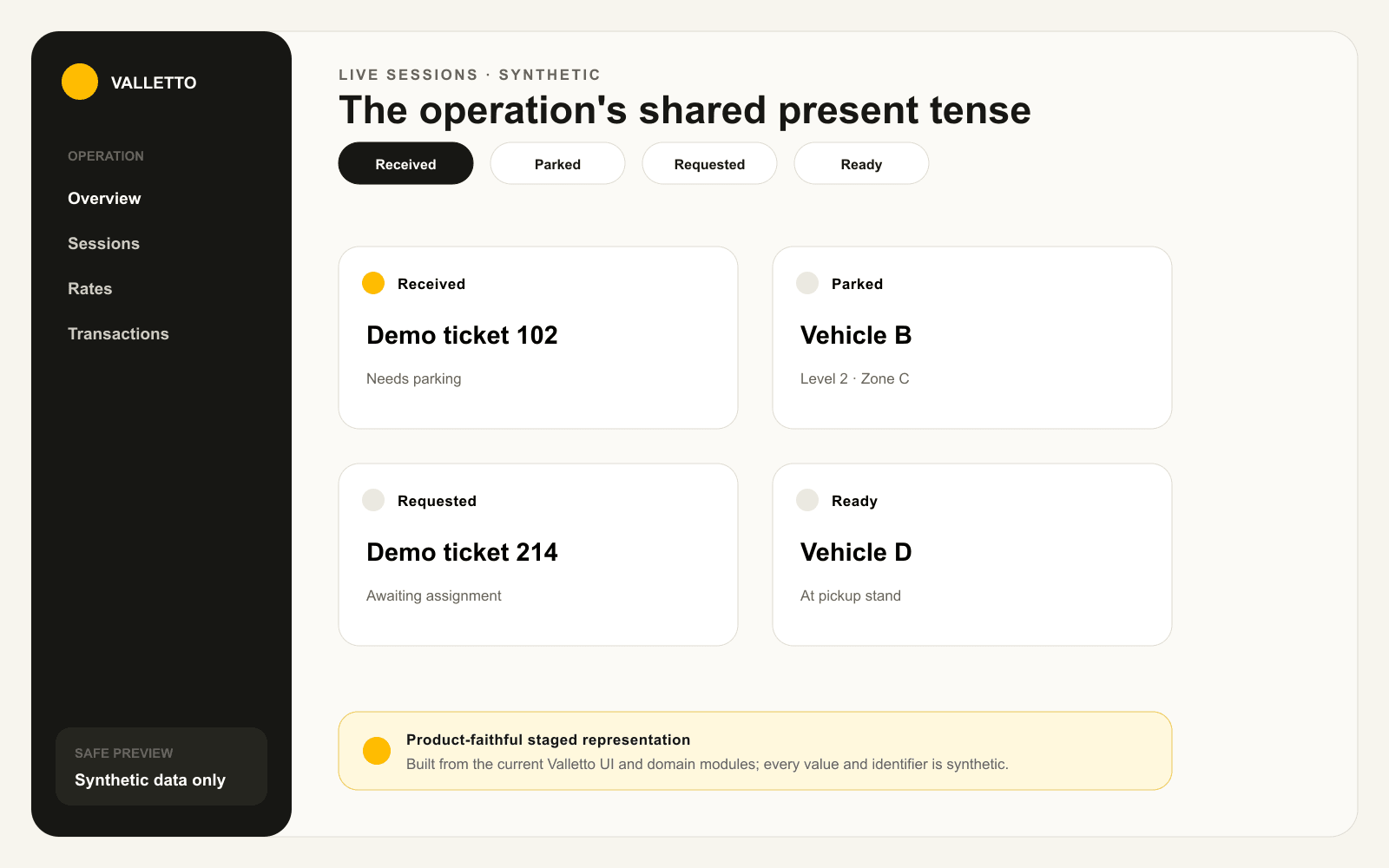
→A staged board based on the current session statuses and web card layout. Every ticket and vehicle label is synthetic.
The practical result
Everyone sees the same work, at the level they need.
The shared session is what lets a guest request, a manager dispatch, and a valet act without three versions of the ticket.
Next: follow the intake that gives that session enough information to work.
