Feature Guide · Validations
The third party gets one job,
not your whole system.
A restaurant, retailer, office, or property partner can validate an eligible car from its own portal, with the pricing effect and billing boundary visible before it acts.
What it is
A partner-scoped way to apply a configured pricing modifier to an on-site session.
The operator defines the validation and agreement. The partner applies it from a narrow portal. The guest sees the resulting adjustment at checkout.
That separation is the design: a third party can perform its part of the transaction without becoming a user of the valet operation.
Who uses it
A validation is a three-party transaction: operator, partner, and guest.
Operator
Defines the validation and partner access
The valet company configures the pricing modifier, partner relationship, and whether that partner can manage validations.
Partner
Applies it to an eligible on-site car
Authorized partner users see their definitions and the relevant parked arrivals at the shared location.
Guest
Receives the adjusted checkout
The validation becomes a pricing modifier on the session; the guest sees its effect in the price breakdown.
The setup order
Commercial terms first, definition second, publication last.
1 · Agreement
Choose how validation usage is billed
Usage, validation, flat, and revenue-guarantee arrangements produce different partner notices and ledger treatment.
2 · Definition
Configure the pricing effect
The validation can describe a reduction or split supported by the pricing engine and is scoped to the partner and location.
3 · Access
Invite authorized partner users
The can-manage-validations permission governs creating, saving, archiving, and restoring validation definitions; publishing and session application follow the partner-at-location access rules.
4 · Publish
Offer a QR or guest-entry link when needed
A partner can publish a validation-specific link without exposing the operator console.
The daily loop
Apply the validation before checkout, from the partner's own surface.
Find
Choose an on-site session
The partner view subscribes to current arrivals at its location and presents recognizable vehicle context within the partner's scope.
Apply
Tag the session with the chosen validation
The pricing engine reads the tag at checkout and applies the configured modifier.
Explain
Show the partner's billing notice
The portal states whether each use is billed, included, or counted toward the agreement before the partner acts.
The edge cases
The portal keeps validation state explicit.
Removed before checkout
The tag can be taken off
An authorized partner can remove an applied validation while the session remains on site.
Archived definition
History remains distinct from active choices
Archived validations move out of the active list instead of disappearing into it.
Fullscreen
The same portal becomes a focused counter surface
Fullscreen changes presentation for a dedicated merchant station; it does not broaden permissions or data scope.
What it deliberately does not do
Partner access is intentionally narrower than operator access.
No operator console
The merchant does not enter valet operations
The portal exposes validation definitions and eligible arrivals, not company-wide sessions, staff, payments, or settings.
No universal billing rule
The agreement controls the ledger
Valletto does not assume every validation is billed per use; the partner notice reflects the configured contract.
What it connects to
A validation crosses three products without losing its identity.
Pricing
The configured modifier changes checkout
The canonical engine applies the validation with the other eligible modifiers.
Guest checkout
The adjustment is visible
The guest can see the validation in the price breakdown rather than receiving an unexplained total.
Partner billing
Usage follows the agreement
Where the contract requires it, the same application becomes partner ledger and invoice context.
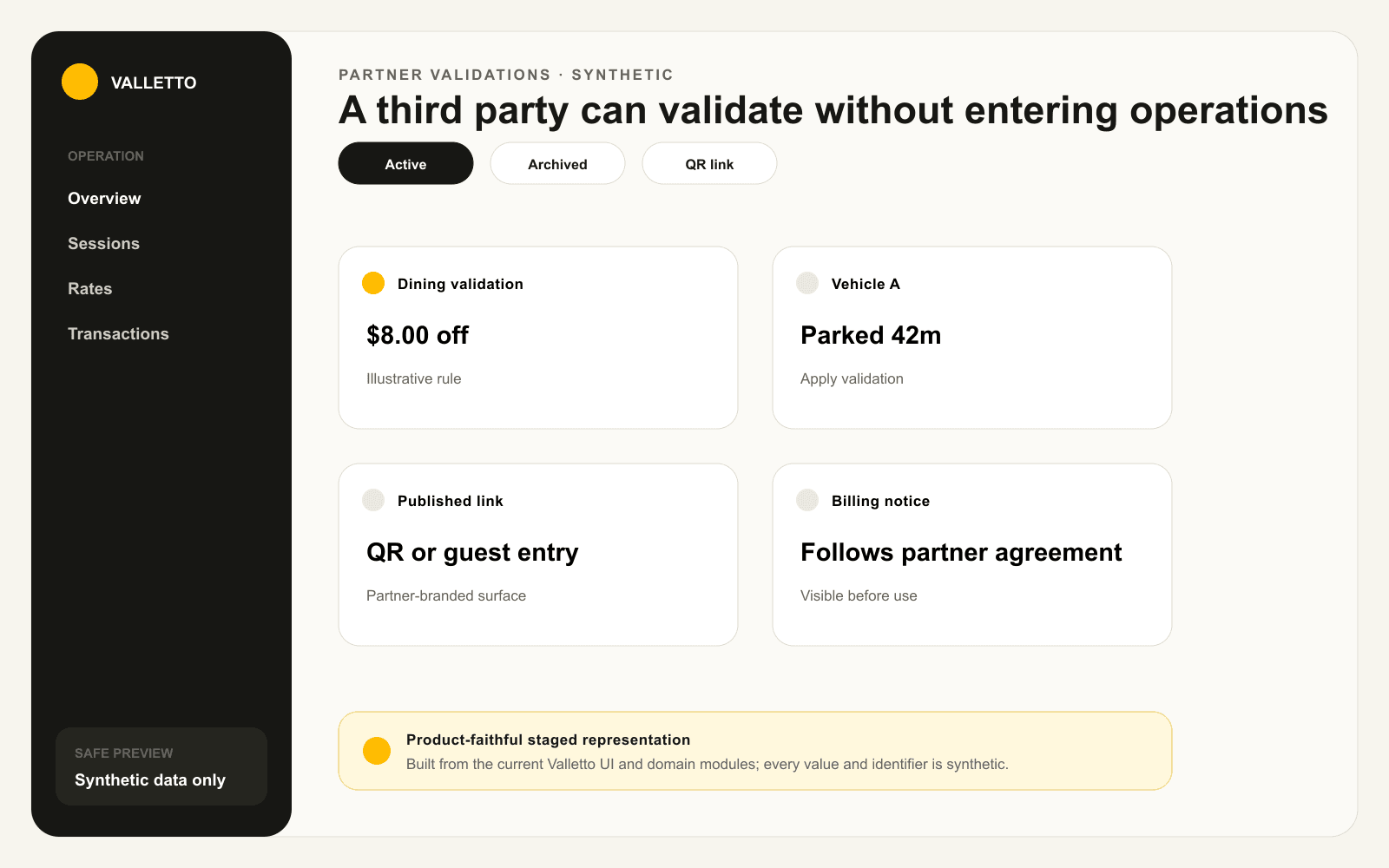
→Staged from the current Partner Validations and customer validation surfaces. Partner, vehicle, amount, and billing values are synthetic.
Where Valletto changes the math
Give the partner the one door they need.
The portal keeps validation fast for the merchant, legible for the guest, and scoped away from the rest of the operation.
Next: the Partner Portal guide follows the broader property relationship beyond validation.
